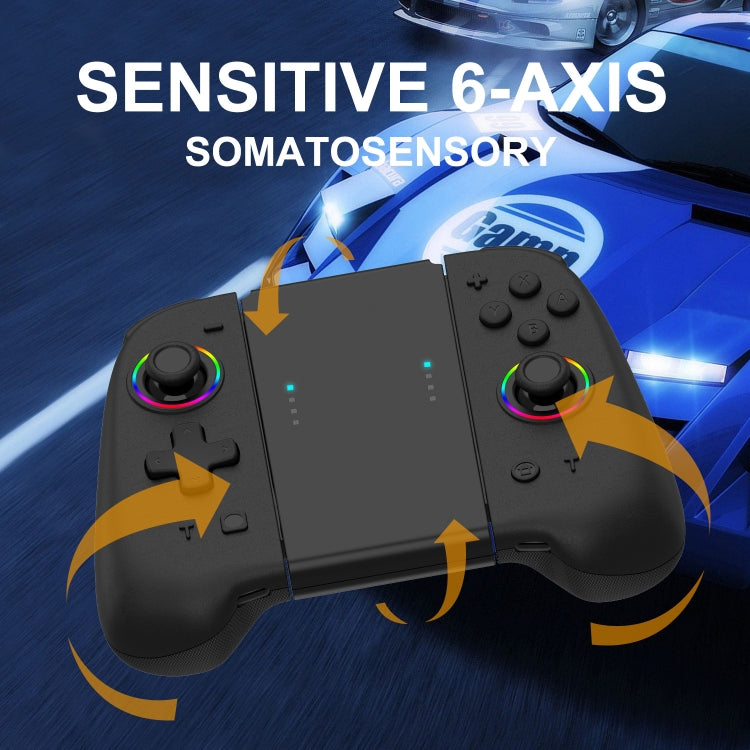
1. Material: ABS 2. Interface: USB 3. Battery capacity: 400mAh 4. Power off charging: 4 LED lights slow flash, full of the fourth LED light long bright 5. Packing list: left and right handles + data line + manual + color box 6. Weight: about 157g 7. Size: about 11 x 4.8 x 4cm
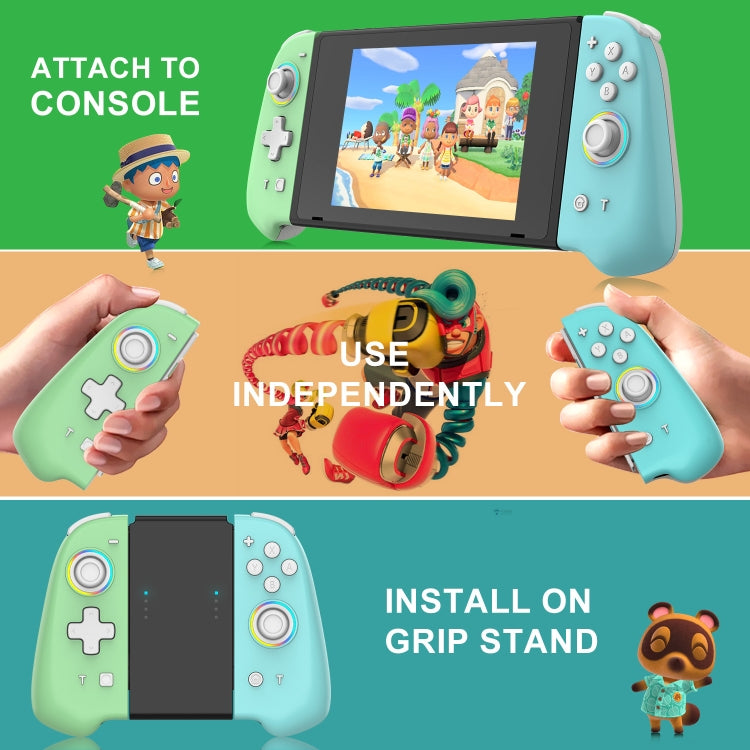
Wireless mode: 1. Slide rail plugged into the host can be used, pull out the slide rail automatically Bluetooth back to connect the host 2. In the off state, press the Pair button for 3 seconds to pair; short press the Home/Capture button to reconnect 3. Others are the same as the original handle
T (TURBO) key use method: 1. Press Turbo+a (click) key to realize A continuous function, do not need to hold down the key a automatic continuous function (vibration prompts set up successfully); Turbo+A (double-click) need to press the a continuous function (vibration prompts set up successfully); long press Turbo (5 seconds) to cancel the continuous function, or press the Turbo+a key to cancel the continuous function (vibration prompts) 2. T key gear adjustment function, 5shoots/s, 12shoots/s, 20shoots/s 3. Motor adjustment: function is divided into 5 gears: 100%, 75%, 50%, 30%, off (default is 50%)
Verified Compatible
Guaranteed fit for your device. Wrong part? Full refund including shipping.