


1
/
of
10
No reviews
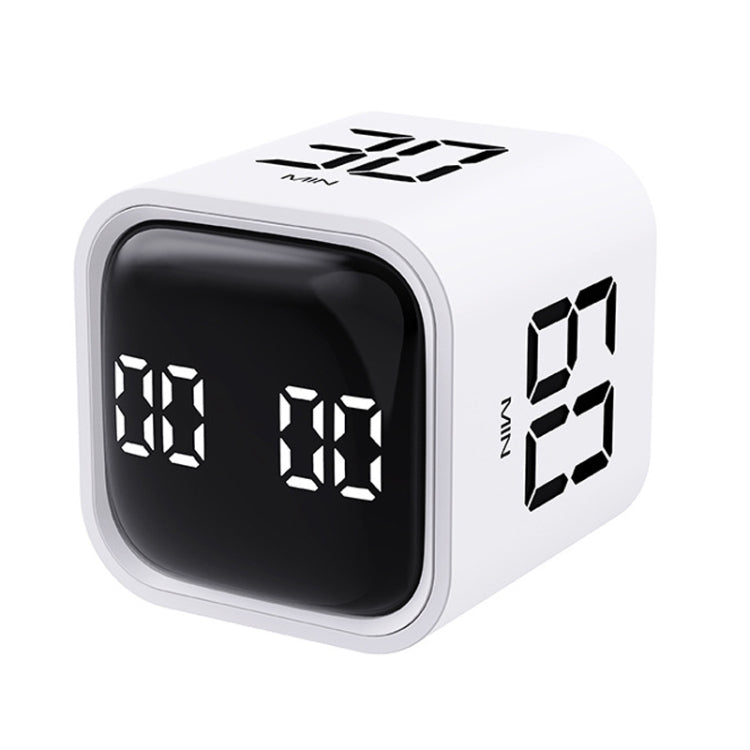
F4 Study Timer Kitchen Cooking Countdown Reminder Multifunctional Digital Alarm Clock(White)
F4 Study Timer Kitchen Cooking Countdown Reminder Multifunctional Digital Alarm Clock(White)
SKU: TBD0604389901A
Regular price
$28.00
Regular price
Sale price
$28.00
Duties & Import Tax Information
Duties are only included if shown at checkout. Otherwise, your local government may apply customs fees, which your courier will collect directly from you before delivery.
In Stock
CHN
This item is shipped from China.
Processed in 0–3 days
Quantity
Couldn't load pickup availability
Shipping info
To find all available shipping methods and exact delivery times, add the product to your cart and check using our shipping calculator.
30-day returns
Fast refunds: Once we receive and check your item, we aim to process your refund within 48 hours.
Return postage: Just changed your mind? You'll need to cover the return postage. If the item arrived faulty, we'll cover the cost to get it back to us.
Your details are safe
We treat your data the way we'd want ours treated. Your payment details are locked down with bank-level encryption. We never actually see your credit card numbers, and we will absolutely never sell your personal information.
Product Details
Type:
Digital Countdown
1. Material: ABS
2. Battery capacity: 500mAh
3. Working temperature: 0-50 degrees Celsius
4. Standby power consumption: 20uA
5. Sleep power consumption: 150uA
6. Working current: 11mA
7. Charging current: 500mA
8. Volume level: mute/vibrate (loud 90-100DB, quiet 70-80DB)
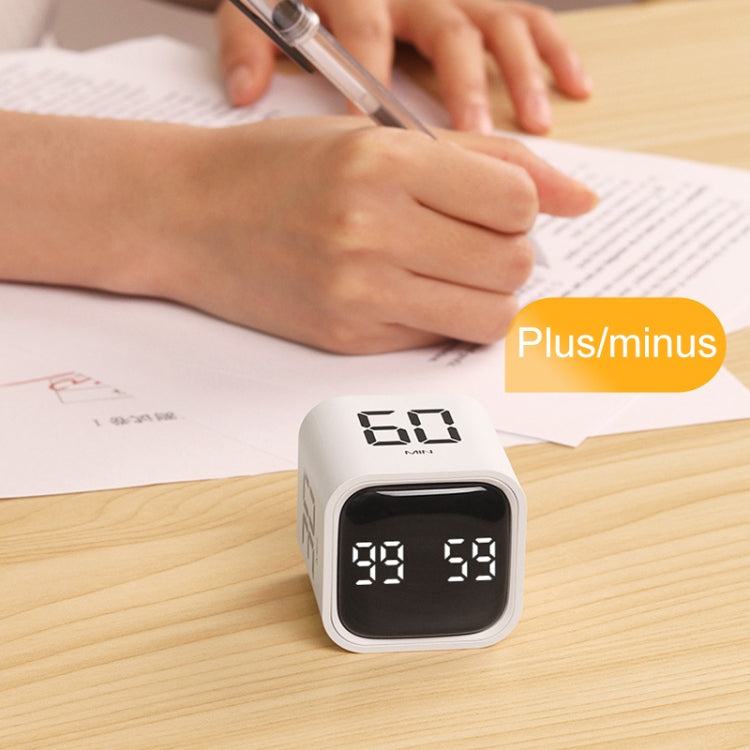
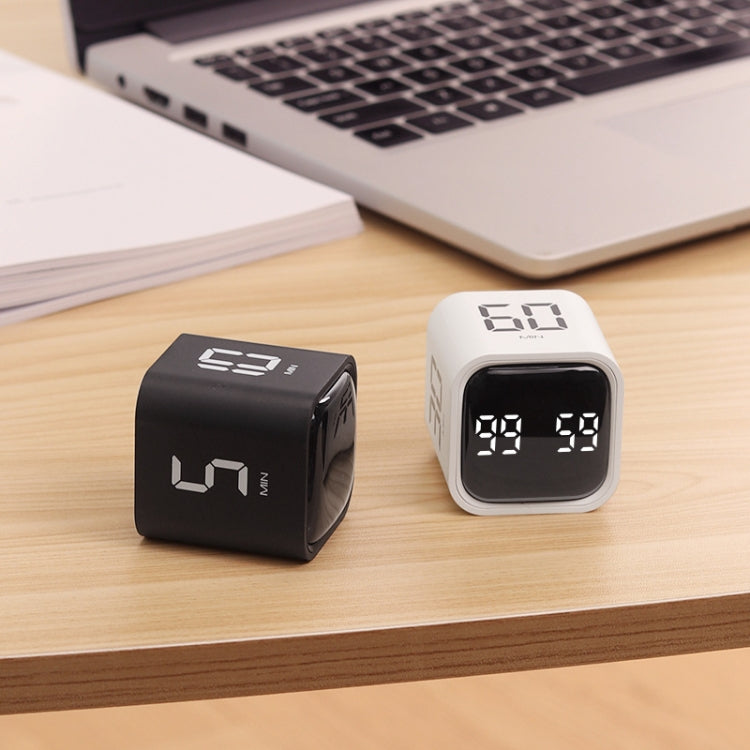
9. Timing: gravity mode (5-60 minutes), manual mode (99 minutes and 59 seconds)
10. Product size: 44 x 44 x 46mm
11. Net weight: 47.5 grams
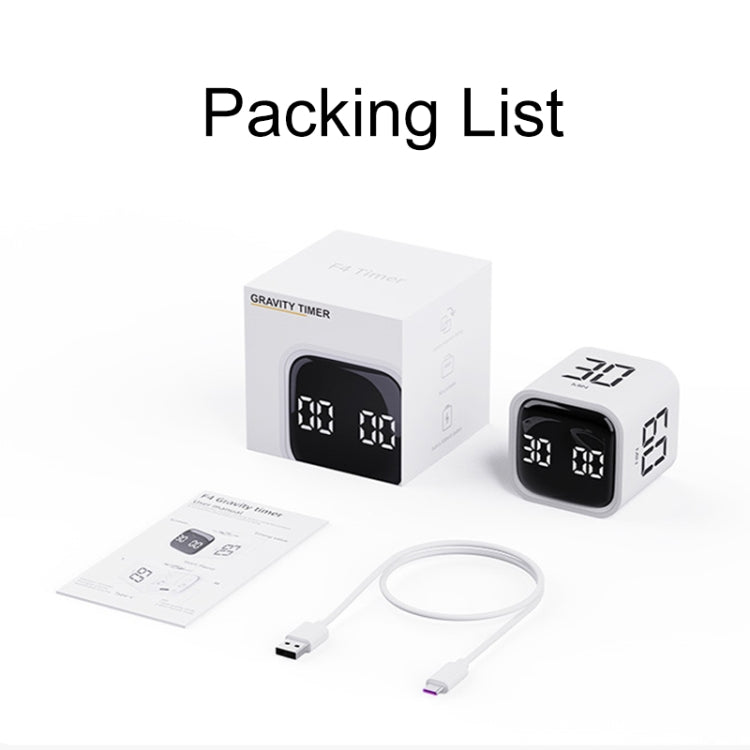
12. Packaging: color box
Instructions:
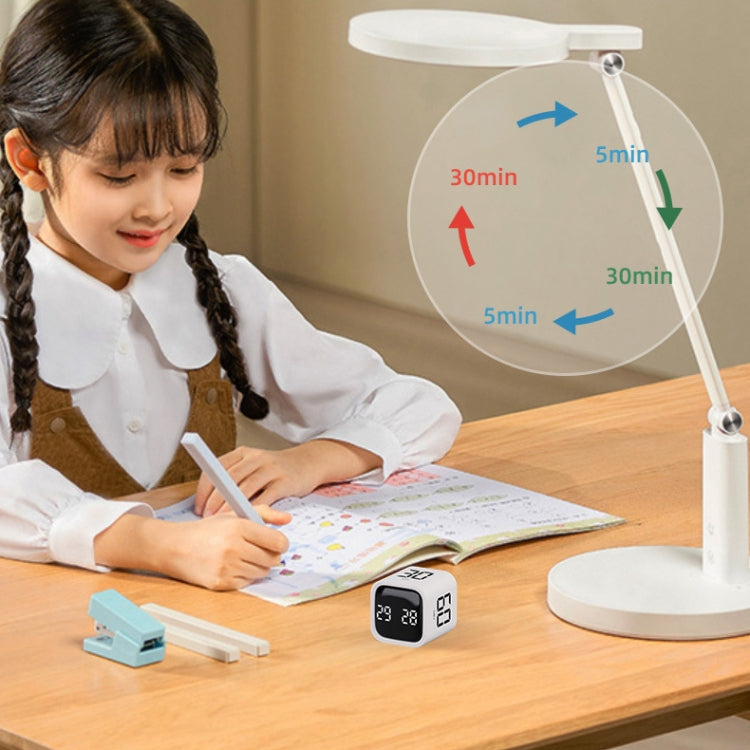
Gravity mode: Turn the button to mode 1; scroll 5-10-30-60 minutes upwards, and the countdown will start automatically. Turn the screen upwards to pause, and the screen downwards to clear the timer.
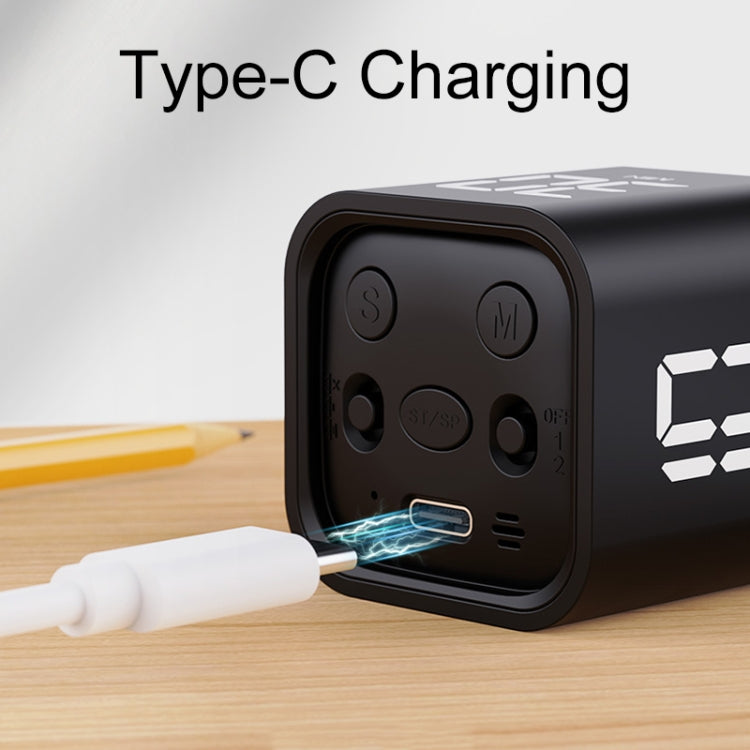
Manual mode: Set the button to mode 2; adjustable M/S button, press the middle button ST/SP to start the countdown
Positive timing:
1. When the display is 00: 00, short press the [SP/ST] key to start counting;
2. During the timing process, short press the [SP/ST] key to pause/start the timing;
3. In the pause state, press and hold the [ST/SP] key to clear.
Countdown settings:
1. Short press the [M/S] key to adjust the countdown time incrementally, long press the [M/S] key to quickly increase the countdown time. After the setting is completed, short press the [SP/ST] key to start the countdown;
2. During the timing process, short press the [SP/ST] key to pause/start the countdown;
3. In the pause state, press and hold the [SP/ST] key to clear;
4. After the countdown time reaches 00:00, there will be a one-minute alarm clock ("Didi Didi" LED screen lights up/the sound stops and the LED screen goes out-these two prompts are in groups of 1 second--this cycle) remind.
Vibration reminder in silent mode.
5. Memory mode: After the countdown is over, press the [SP/ST] key again to display the set time. If you need to clear it, press and hold the ST/SP button. Short press to cycle the operation again.
Precautions:
1. If the user forgets to turn off the phone, or there is no operation after 5 minutes, the product will automatically sleep;
2. After the countdown/countdown ends, the alarm duration is 1 minute;
3. After hibernation, if you have not switched to the shutdown gravity mode, you can turn it on and off, and the manual mode can be turned on with one press;
4. In silent mode, there will be vibration feedback when the timer ends or any operation is performed. There is a "beep" feedback when operating in volume mode;
5. When the battery is less than 10%, the screen flashes to remind you to charge. The red light turns on during charging, and the green light stays on when full.
Verified Compatible
Guaranteed fit for device in the title. Wrong part? Full refund including shipping.
Share



$28.00