


1
/
of
14
No reviews
A2 HUD 3.5 inch HD GPS Car Head Up Display, Speed & Over Speed Alarm, Compass, Freely Switch Between Kilometers and Miles(Black)
A2 HUD 3.5 inch HD GPS Car Head Up Display, Speed & Over Speed Alarm, Compass, Freely Switch Between Kilometers and Miles(Black)
SKU: CMS6246
Regular price
$46.00
Regular price
Sale price
$46.00
Duties & Import Tax Information
Duties are only included if shown at checkout. Otherwise, your local government may apply customs fees, which your courier will collect directly from you before delivery.
In Stock
CHN
This item is shipped from China.
Processed in 0–3 days
Quantity
Couldn't load pickup availability
Shipping info
To find all available shipping methods and exact delivery times, add the product to your cart and check using our shipping calculator.
30-day returns
Fast refunds: Once we receive and check your item, we aim to process your refund within 48 hours.
Return postage: Just changed your mind? You'll need to cover the return postage. If the item arrived faulty, we'll cover the cost to get it back to us.
Your details are safe
We treat your data the way we'd want ours treated. Your payment details are locked down with bank-level encryption. We never actually see your credit card numbers, and we will absolutely never sell your personal information.
Product Details
Type:
Head Up Display System
HUD
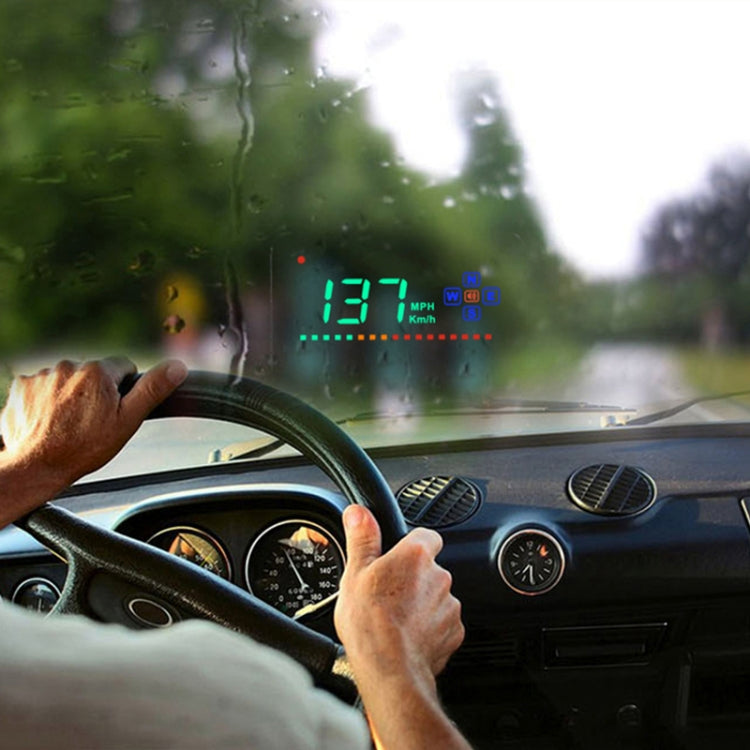
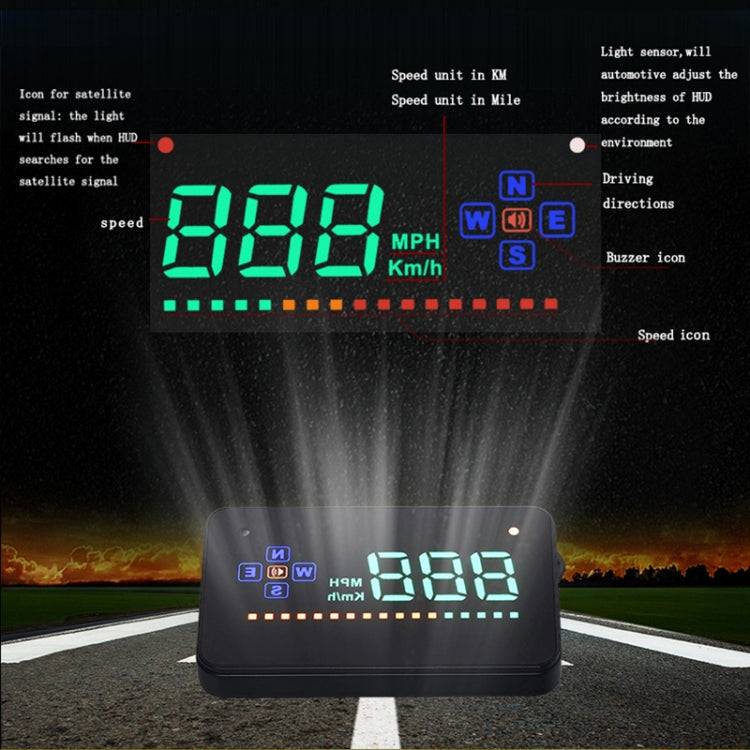
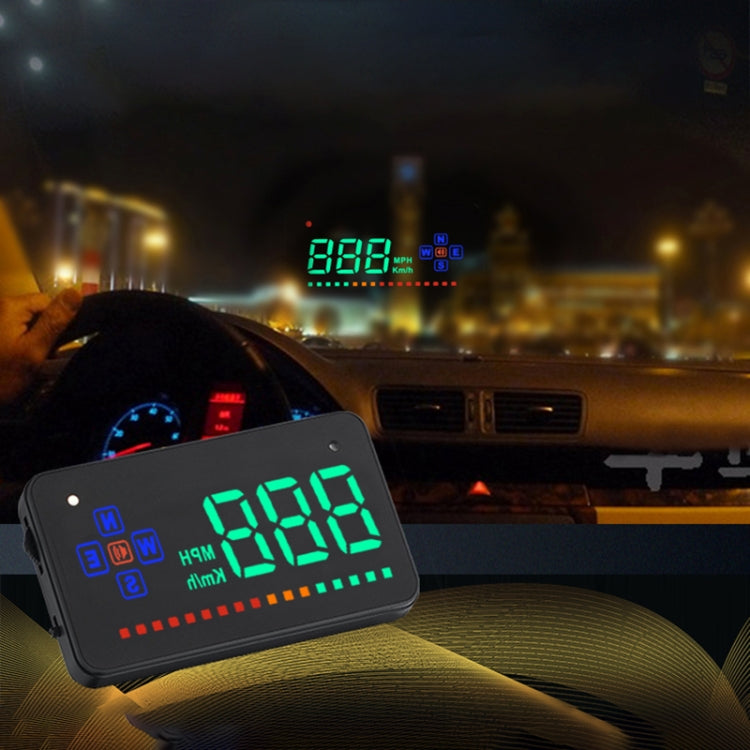
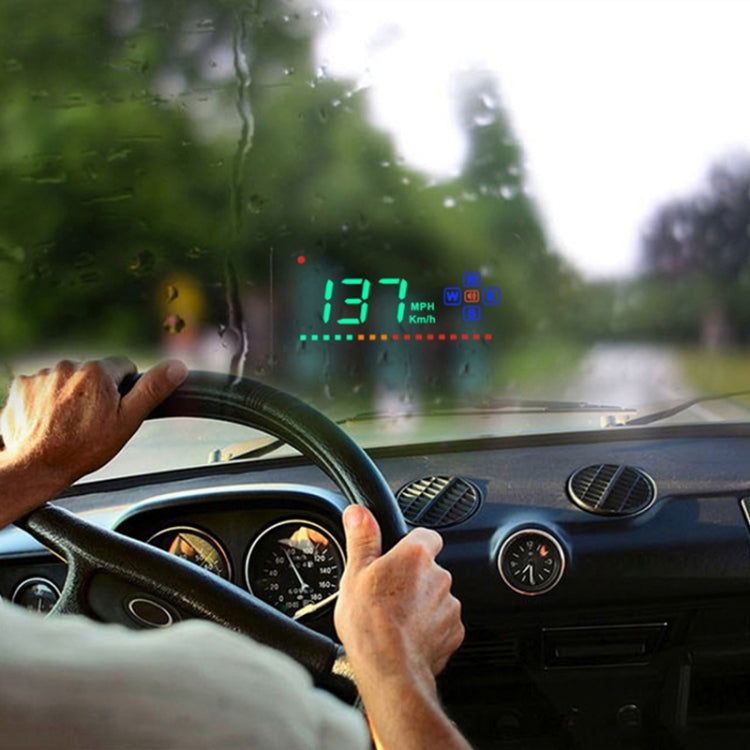
HUD short for Head Up Display. It displays driving datas on the front windshield such as speed on the car front window glass; Avoiding drivers unsafety because of watching the instrument while driving. Drivers can read the driving information instantly , and can always keep the best state on the way with HUD.
Features
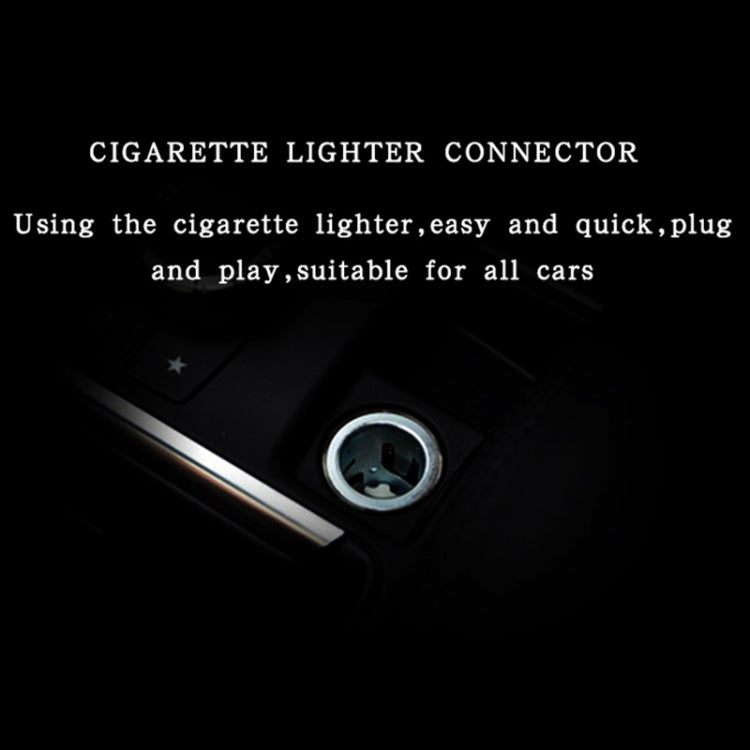
1. Available for any car, easy to install, plug and play.
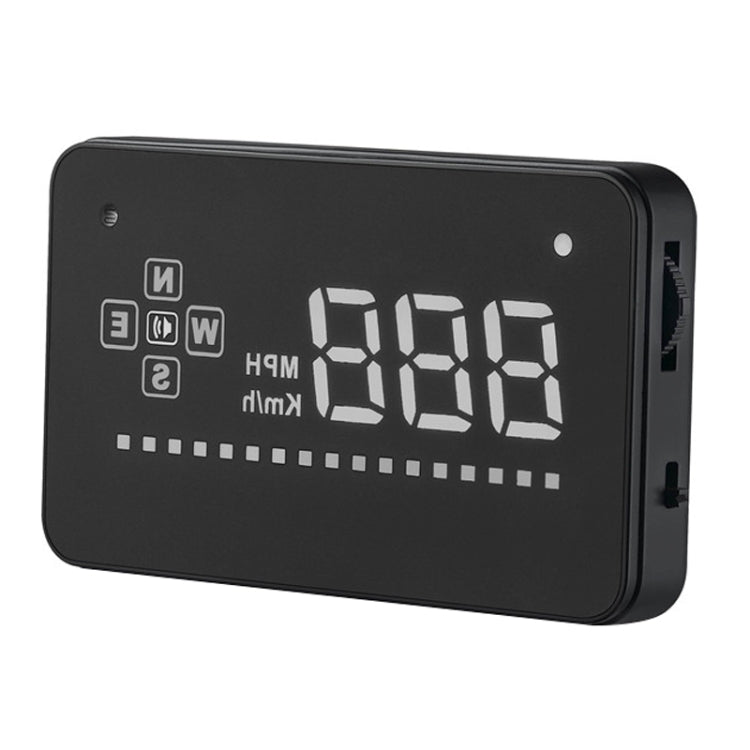
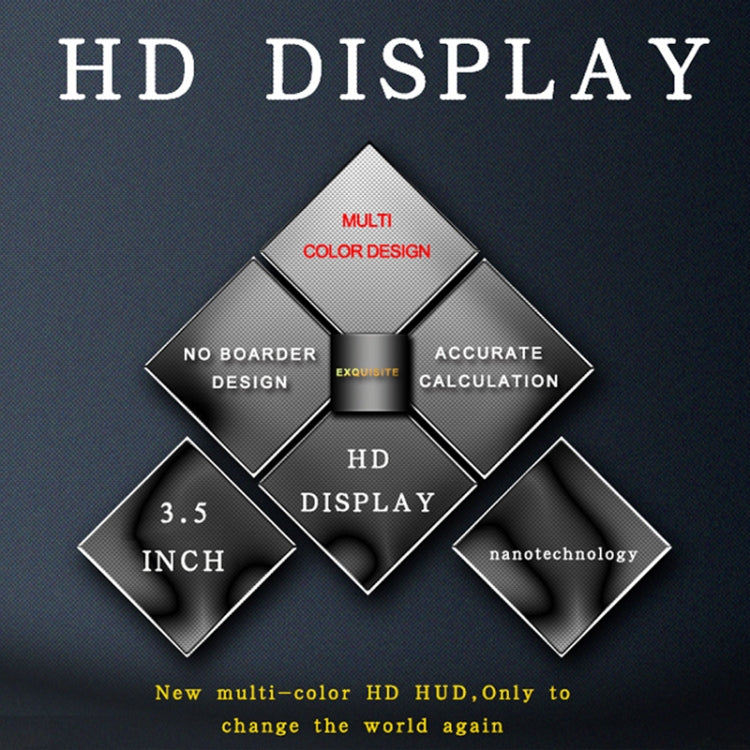
2. Screen 3.5 inch HD display.
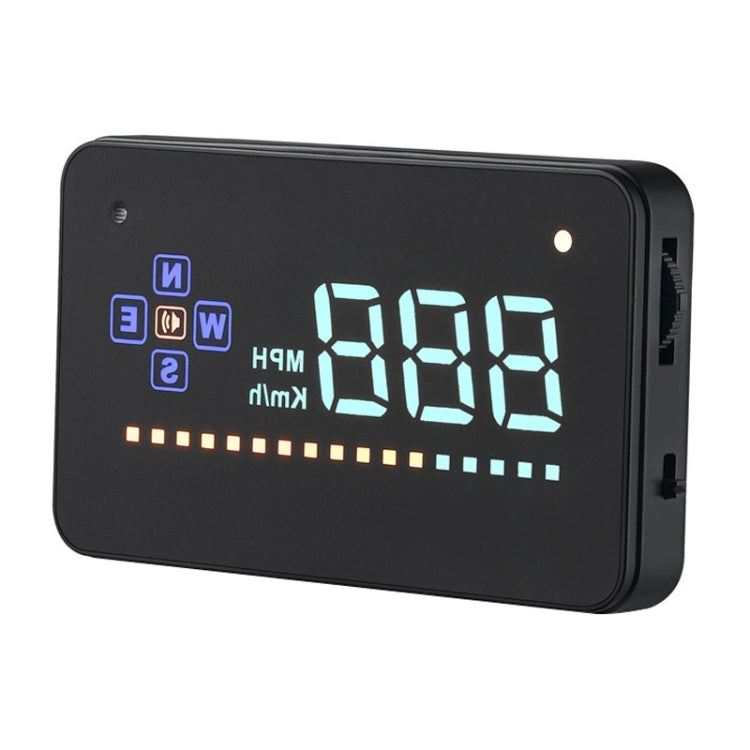
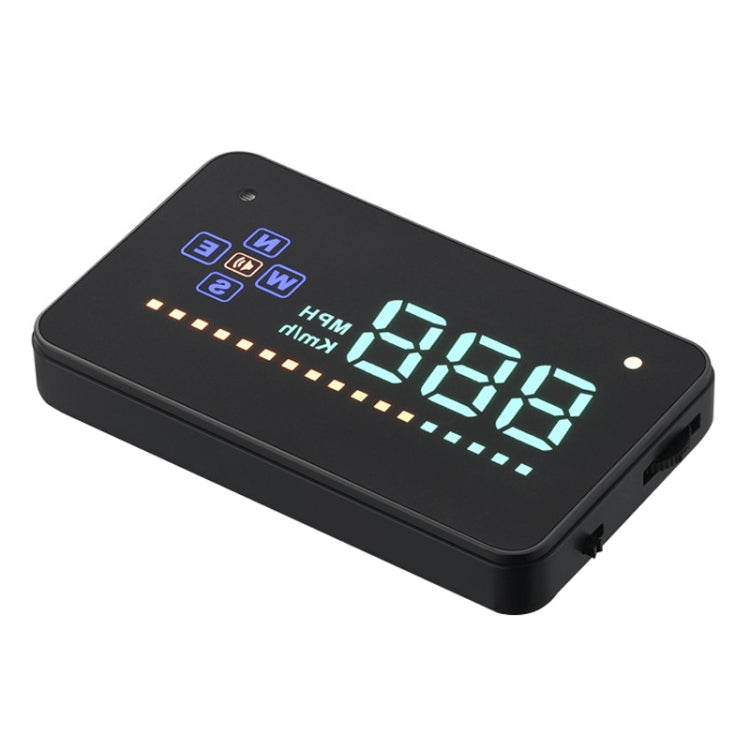
3. Multi-color design makes the screen more abundant and easier to read.
4. Nano-technology to eliminate double reflections,more clear.
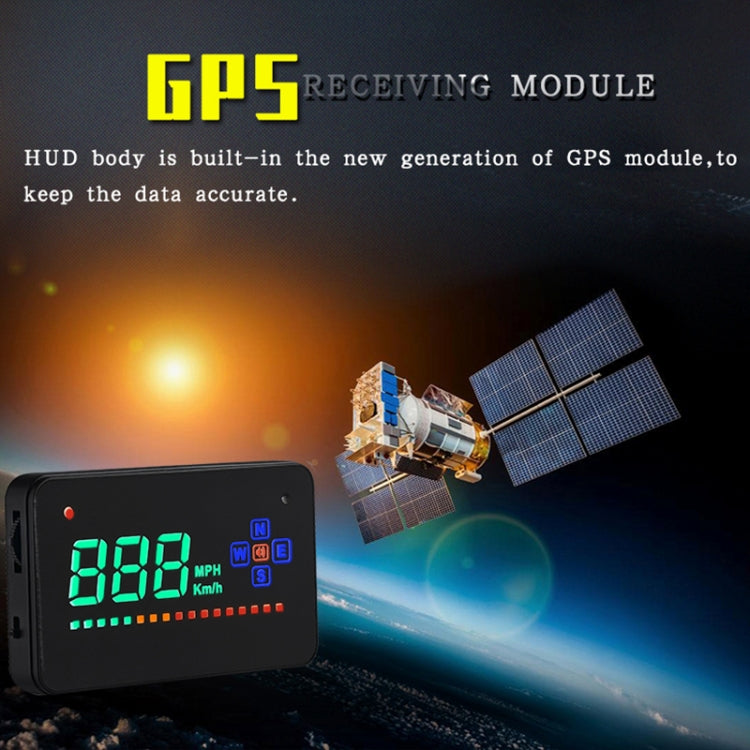
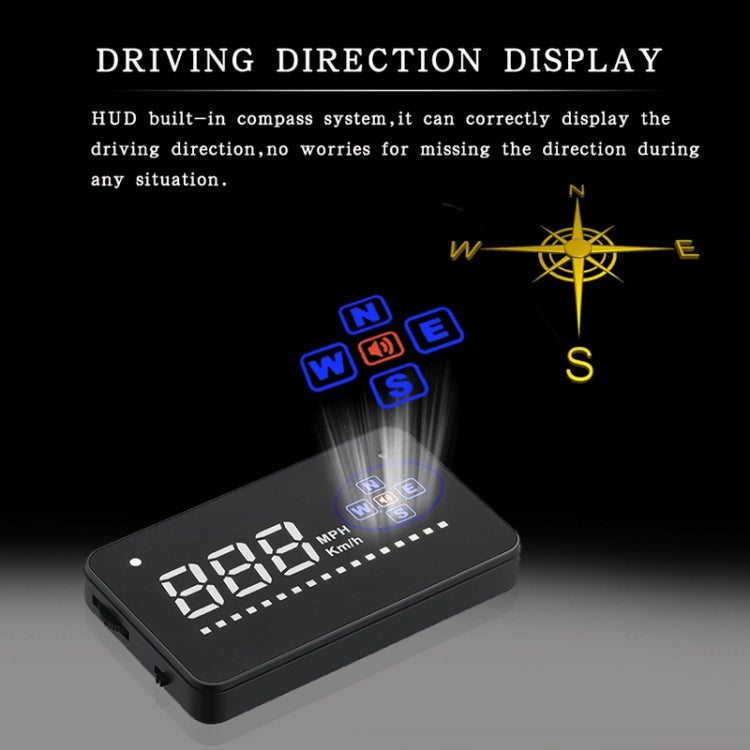
5. Rich Contents: Speed, compass, speed alarm, free switch between km and miles.
6. Auto power on/off: HUD start and off with vehicle started and shutdown, effective protection of the car battery; Retaining the manual switch mode, more easy to control HUD.
7. Automatic and manual brightness adjustment mode,driving without glare.
Solution for Common Problems
1. HUD screen without any display,and no power
- Check the car charger cable if it is tight, pull down repeatedly inserted multiple times, check the HUD switch if it powers on. If there still no display please try another car to test and analyze whether the car cigarette lighter interface is bad, if it is a bad cigarette lighter, please try to connect the cable line to the car battery.
2. No speed ,auto powers off after 5 minutes.
- The default auto powers off time is 5 minutes, if there is no speed, HUD will power off after 5 minutes,it built-in vibration switch, as long as there is a slight vibration it will powers on.
3. Inaccurate Speed
- When HUD is power on,vertical press the wave button 5 seconds to enter into the menu options, here menu options shows 0,parameter shows 107,up or down the wave button to increase or decrease the value according to the difference until it shows correct one.After adjustment, vertical press in 5 seconds to save it.
4. HUD see not clearly under the sunlight.
- Check whether the HUD host protective film is torn,and please stick the reflection film on the windscreen.
5. Wrong operation lead to crashes. Or inaccurate datas
- Do a reset setting.
HUD short for Head Up Display. It displays driving datas on the front windshield such as speed on the car front window glass; Avoiding drivers unsafety because of watching the instrument while driving. Drivers can read the driving information instantly , and can always keep the best state on the way with HUD.
Features
1. Available for any car, easy to install, plug and play.
2. Screen 3.5 inch HD display.
3. Multi-color design makes the screen more abundant and easier to read.
4. Nano-technology to eliminate double reflections,more clear.
5. Rich Contents: Speed, compass, speed alarm, free switch between km and miles.
6. Auto power on/off: HUD start and off with vehicle started and shutdown, effective protection of the car battery; Retaining the manual switch mode, more easy to control HUD.
7. Automatic and manual brightness adjustment mode,driving without glare.
Solution for Common Problems
1. HUD screen without any display,and no power
- Check the car charger cable if it is tight, pull down repeatedly inserted multiple times, check the HUD switch if it powers on. If there still no display please try another car to test and analyze whether the car cigarette lighter interface is bad, if it is a bad cigarette lighter, please try to connect the cable line to the car battery.
2. No speed ,auto powers off after 5 minutes.
- The default auto powers off time is 5 minutes, if there is no speed, HUD will power off after 5 minutes,it built-in vibration switch, as long as there is a slight vibration it will powers on.
3. Inaccurate Speed
- When HUD is power on,vertical press the wave button 5 seconds to enter into the menu options, here menu options shows 0,parameter shows 107,up or down the wave button to increase or decrease the value according to the difference until it shows correct one.After adjustment, vertical press in 5 seconds to save it.
4. HUD see not clearly under the sunlight.
- Check whether the HUD host protective film is torn,and please stick the reflection film on the windscreen.
5. Wrong operation lead to crashes. Or inaccurate datas
- Do a reset setting.
Verified Compatible
Guaranteed fit for device in the title. Wrong part? Full refund including shipping.
Share

$46.00