


1
/
of
5
No reviews
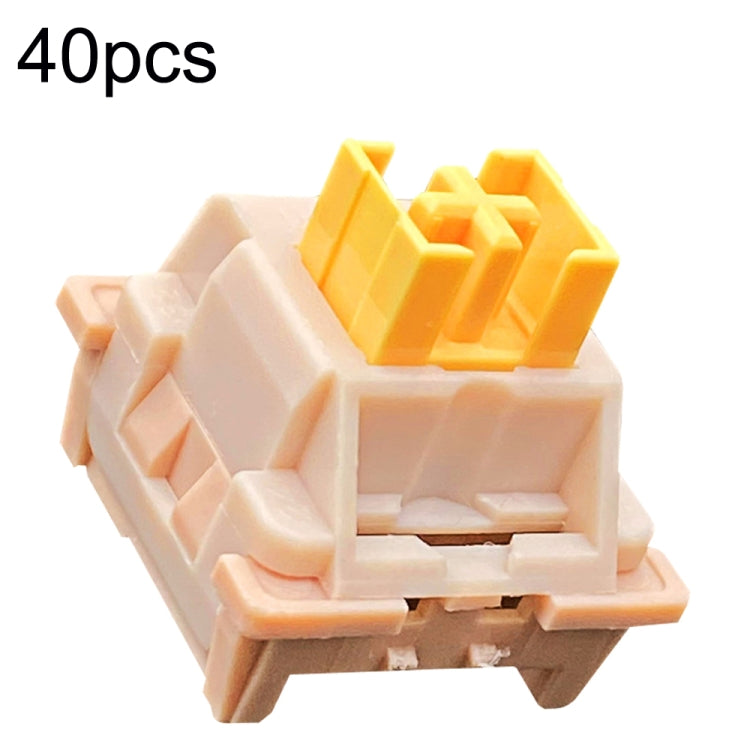
40pcs Customized Hot Swap Mechanical Keyboard 3Pin Shaft(Peach Linear Mute Shaft)
40pcs Customized Hot Swap Mechanical Keyboard 3Pin Shaft(Peach Linear Mute Shaft)
SKU: TBD0603833301A
Regular price
$63.00
Regular price
Sale price
$63.00
Duties & Import Tax Information
Duties are only included if shown at checkout. Otherwise, your local government may apply customs fees, which your courier will collect directly from you before delivery.
In Stock
CHN
This item is shipped from China.
Processed in 0–3 days
Quantity
Couldn't load pickup availability
Shipping info
To find all available shipping methods and exact delivery times, add the product to your cart and check using our shipping calculator.
30-day returns
Fast refunds: Once we receive and check your item, we aim to process your refund within 48 hours.
Return postage: Just changed your mind? You'll need to cover the return postage. If the item arrived faulty, we'll cover the cost to get it back to us.
Your details are safe
We treat your data the way we'd want ours treated. Your payment details are locked down with bank-level encryption. We never actually see your credit card numbers, and we will absolutely never sell your personal information.
Product Details
Type:
Other
1. Strong sense of confirmation, smooth and unobtrusive paragraphs
2. Long life, high durability, good pressing stability
3. Shaft life: 50 million times
4. Button technology: X architecture
5. Precautions: When inserting the shaft body, please be sure to align the position of the pins. If you cannot insert easily, do not press to prevent the pins from breaking
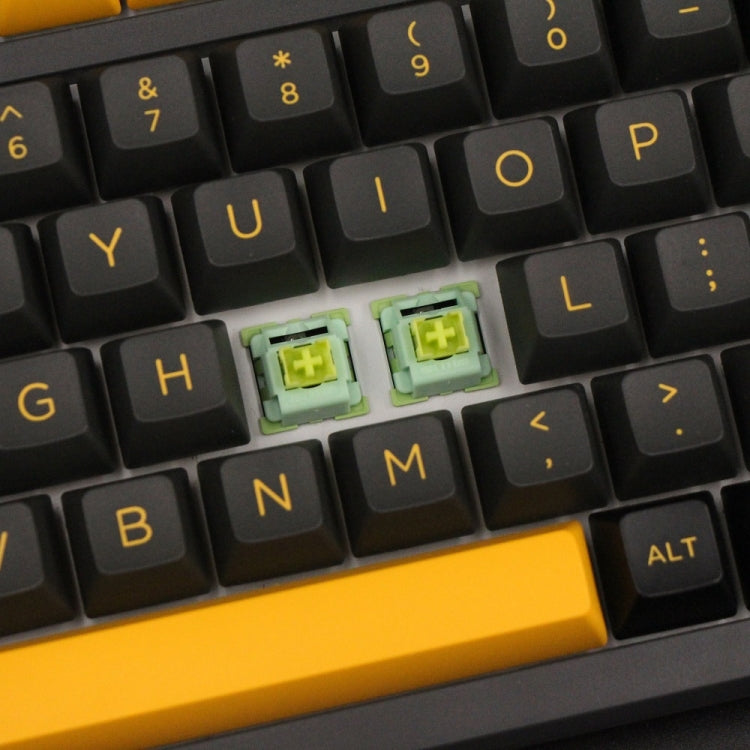
Mechanical shaft replacement steps:
1. Remove the keycap with a key puller
2. Use a key puller to pull out the shaft body
3. Align the shaft body to the installation position (note that the pins cannot be crooked)
4. Put the new shaft body on the card position
5. Lightly press the light shaft to stop the card position
6. Just install the keycap
Need help choosing the right product? Compare options or check compatibility – click here for assistance.
Verified Compatible
Guaranteed fit for device in the title. Wrong part? Full refund including shipping.
Share


$63.00