

Phone charging port repair costs explained: save money now
TL;DR:
- Many charging port issues are caused by debris and can often be fixed with simple cleaning.
- DIY repairs can save up to 70% compared to professional shop costs but carry risks.
- Choosing quality parts and following specific guides ensures a lasting repair and preserves device performance.
A faulty charging port can feel like a death sentence for your phone, and many people immediately assume they’re facing a hefty repair bill or a forced upgrade. That assumption costs UK smartphone owners money every year. The truth is, a significant number of charging port faults are either easily resolved at home or far cheaper to fix than most people expect. Whether your cable keeps falling out, your phone charges intermittently, or it refuses to charge at all, this guide walks you through the real costs, practical DIY options, and what to look for when buying replacement parts or choosing a repair service in the UK.
Table of Contents
- Why charging ports fail and how to spot the problem
- Cost breakdown: professional repair vs. DIY for charging ports
- How to DIY a charging port repair: steps, parts, and precautions
- Choosing the right replacement parts and repair services
- The real cost of charging port repairs: what most people overlook
- Find quality phone charging port parts and support
- Frequently asked questions
Key Takeaways
| Point | Details |
|---|---|
| Diagnose before repairing | Cleaning and checking cables can often fix charging issues before costly repairs are needed. |
| DIY saves money | Repairing a charging port yourself can reduce costs by up to 70% compared to professional repair. |
| Choose quality parts | Using correct, reputable replacement parts ensures your repair lasts and avoids repeat problems. |
| Hidden costs matter | Consider time, warranty risks, and reliability—not just upfront price—when deciding how to repair. |
Why charging ports fail and how to spot the problem
Before you spend a penny on repairs, it pays to understand what’s actually wrong. Many people book a repair or order parts for a fault that doesn’t exist yet, or one that cleaning alone would resolve. Knowing how to read the symptoms accurately will save you time and money from the start.
Among the common smartphone issues that repair technicians see regularly, charging port faults rank near the top. The good news is that not all of them require physical part replacement.
Common signs your charging port may be failing:
- The charging cable feels loose or wobbly when plugged in
- Your phone only charges at certain angles
- Charging is noticeably slower than it used to be
- The phone charges intermittently and stops without warning
- You see a “no charger detected” notification even with a working cable
- The port looks visibly damaged, bent, or corroded
These symptoms are worth noting, but they don’t automatically mean the port itself is broken. The most common culprit behind poor charging is actually compressed debris inside the port. Pocket lint, dust, and tiny fibres pack into the connector over months of daily use, preventing the cable from making a proper electrical connection. It’s a problem so common that common charging port problems addressed by mobile repair services often turn out to be nothing more than a blocked port.
Other causes include:
- Cable wear: A damaged or low-quality cable can mimic port failure entirely
- Physical impact: Dropping your phone or yanking the cable at an angle can bend internal pins
- Moisture damage: Even brief exposure to water can corrode port contacts over time
- General wear: Ports are mechanical connectors rated for a finite number of plug and unplug cycles
“Always rule out the simple fixes first. A £0 clean is infinitely better than a £50 repair you didn’t need.”
Pro Tip: Before assuming the port needs replacing, spend five minutes on cleaning charging ports properly using a wooden toothpick or soft-bristled brush. Compressed air also works well. Avoid metal tools inside the port, as they can cause the very damage you’re trying to diagnose.
If cleaning and trying a brand-new cable doesn’t resolve the issue, then it’s reasonable to consider whether a physical repair is needed. Only at that point should you start comparing costs.
Cost breakdown: professional repair vs. DIY for charging ports
Once the fault is confirmed, the next question is almost always about money. How much is this actually going to cost, and is it worth trying to fix it yourself?
The answer depends on your phone model, the severity of the damage, and your confidence with small electronics. Here’s a realistic breakdown of what to expect in the UK market in 2026.
| Repair type | Typical UK cost | Time required | Warranty risk |
|---|---|---|---|
| Professional repair shop | £30–£60 | 1–2 hours | Usually maintained |
| Manufacturer service centre | £60–£120 | 3–7 days | Maintained |
| DIY with new parts | £5–£20 (parts only) | 1–3 hours | Usually voided |
| DIY cleaning only | £0 | 10–20 minutes | No risk |
As shown above, the cost gap between professional repair and DIY is significant. When done correctly, a DIY repair can save you up to 70% compared to a high street shop. That’s a meaningful saving when repair shop prices for popular handsets like the iPhone or Samsung Galaxy sit firmly in the £40 to £60 range.
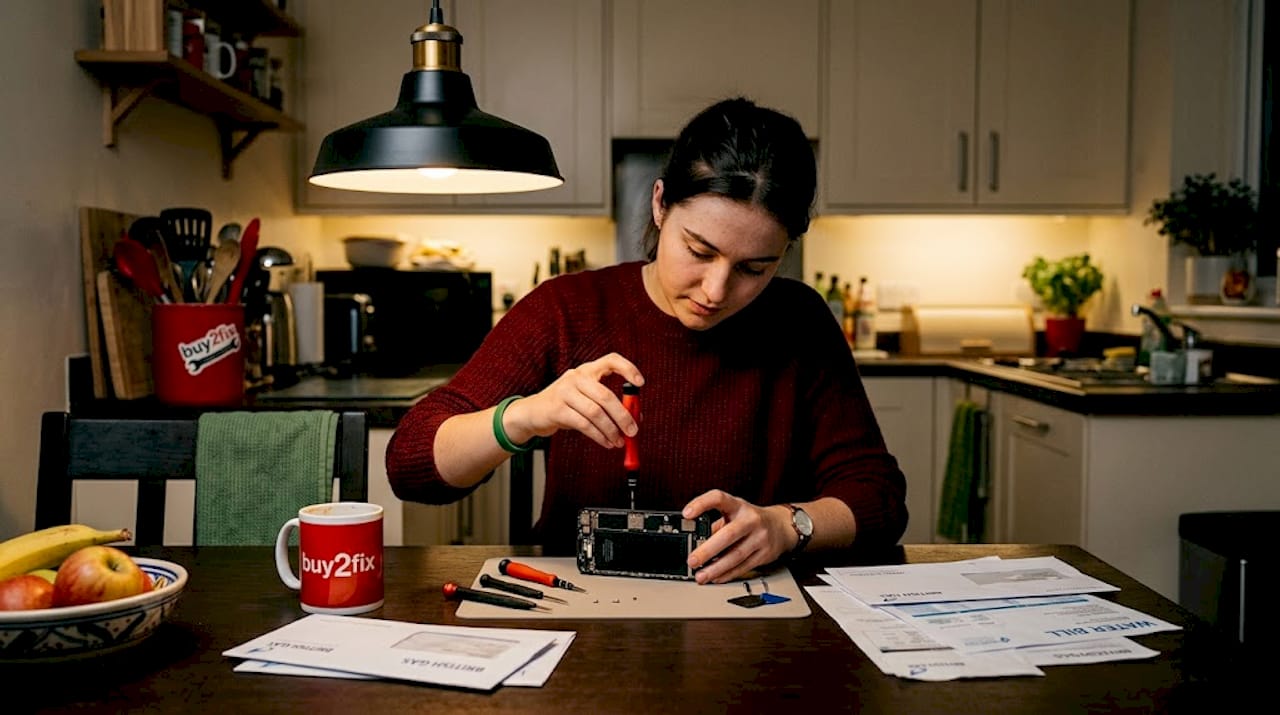
The typical charging port repair costs for popular devices like the iPhone 13 or Samsung Galaxy S21 tend to land between £45 and £65 at independent shops, while Apple’s own service centres can charge considerably more. For reference, a comparable screen repair price guide shows screen replacements costing two to four times more, which puts port repairs into perspective as one of the more affordable fixes available.
Pros of professional repair:
- Technician expertise reduces risk of additional damage
- Often includes a short-term guarantee on the work
- Faster if you use a walk-in local shop
- May preserve your manufacturer warranty if using an authorised centre
Pros of DIY repair:
- Substantially lower cost
- Builds your own repair knowledge and confidence
- Faster than posting to a service centre
- Access to a wider range of compatible parts online
Cons of DIY to consider:
- Risk of causing further damage if you’re inexperienced
- Manufacturer warranty almost certainly voided
- Device-specific knowledge required
- Requires purchasing tools you may not already own
The key takeaway is that neither option is universally better. Your decision should match your skill level, the value of the device, and whether it’s still under warranty. A brand-new flagship phone still under manufacturer warranty should go to an authorised centre. An older handset worth £80 on the second-hand market is a perfect candidate for a confident DIY repair.
How to DIY a charging port repair: steps, parts, and precautions
Seeing the cost advantage, many people want to know if DIY is right for them. The short answer is: often yes, if you approach it methodically and follow a reliable step-by-step repair guide specific to your device.
Essential tools you’ll need:
- A precision screwdriver set (including Pentalobe bits for iPhones)
- Replacement charging port compatible with your specific model
- Plastic spudger or prying tool
- Tweezers for ribbon cables and small components
- Isopropyl alcohol (90% or above) and cotton swabs
- Optional: suction cup for screen removal, heat gun or hairdryer to soften adhesive
Step-by-step charging port replacement:
- Power down the device completely before touching any internal components
- Remove the SIM card tray and set it safely aside
- Unscrew the base screws using the correct bit for your phone model
- Carefully separate the screen using a spudger, applying gentle, even pressure
- Disconnect the battery before proceeding with any internal work
- Locate the charging port assembly and disconnect its ribbon cable carefully
- Unscrew and remove the old port from its bracket
- Fit the new port and reconnect the ribbon cable, ensuring it clicks into place
- Test the connection before reassembling the phone fully
- Reconnect the battery and screen, then power up to test charging
Pro Tip: Plug in a charger before you fully reassemble the phone. If it charges normally, proceed with reassembly. If not, recheck your connections rather than discovering the problem after the phone is fully sealed again.
Understanding choosing replacement connectors for your specific model is half the battle before you even begin. Fitting the wrong part is one of the most common and preventable DIY mistakes.
Important precautions before you start:
- Check whether your phone is still under warranty. Opening it will void most manufacturer guarantees
- Follow a guide made specifically for your model and variant, not a generic tutorial
- Work on a clean, well-lit surface and organise screws using a magnetic mat or labelled sections of tape
- Never force any component. If something isn’t moving, there’s likely a hidden screw or clip you’ve missed
- If you damage a ribbon cable during the process, the cost of repair can increase substantially
Choosing the right replacement parts and repair services
Whether you decide to fix it yourself or seek help, selecting the right parts or service is essential for a lasting repair. The UK market has no shortage of replacement charging ports available online, but quality varies enormously, and fitting an incompatible or substandard part can leave you worse off than when you started.
The first step is identifying exactly which port type your phone uses. The main connector types in use today are:
- USB-C: Used in most modern Android phones and iPhones from the iPhone 15 onwards
- Lightning: Used in iPhones from the iPhone 5 through to the iPhone 14 range
- Micro-USB: Found in older Android devices and some budget handsets still sold today
As noted in guidance on connector types for repair, different port types require correct replacement parts because even within the same connector standard, individual phone models may use proprietary variants or unique board configurations. A USB-C port for a Samsung Galaxy S22 will not fit a Xiaomi Redmi Note 11, even though both use USB-C.
Popular phone models and compatible port types:
| Phone model | Port type | Notes |
|---|---|---|
| iPhone 15 / 15 Pro | USB-C | First iPhone generation with USB-C |
| iPhone 14 and earlier | Lightning | All models from 2012–2023 |
| Samsung Galaxy S23/S24 | USB-C | Check board variant for your region |
| Huawei P30 / P40 | USB-C | Region-specific variants exist |
| Xiaomi Redmi Note 11 | USB-C | Confirm exact sub-model before ordering |
| Older Android (pre-2018) | Micro-USB | Many budget devices still in use |
Tips for vetting part suppliers:
- Look for sellers who clearly list compatible models, not vague “fits most” descriptions
- Check customer reviews specifically mentioning fit, function, and durability
- Prefer suppliers offering returns or replacements if a part is faulty on arrival
- Avoid the cheapest listings with no product description or reviews
For repair shop options, check UK phone repair prices to benchmark what you should reasonably expect to pay before committing to any service. Shops that quote dramatically below market rate sometimes use poor-quality parts or skip proper testing before returning your device.
Pro Tip: Always confirm part compatibility using your phone’s exact model number, found in Settings under “About phone,” not just the general product name. Model numbers reveal regional and network-specific variants that may use different internal components.
The real cost of charging port repairs: what most people overlook
Here’s something most repair guides won’t tell you: the price of a part or a shop visit is rarely the true cost of a repair. The hidden costs are where people lose money, and they’re almost entirely avoidable with a bit of planning.
Time is the first overlooked factor. A DIY repair attempted without the right tools or a model-specific guide can stretch a 90-minute job into an entire afternoon, or result in a phone that’s worse than before. The same applies to choosing a repair shop based purely on price. A cheap shop that uses poor-quality parts may have your phone back within the hour, but you could find yourself repeating the process within weeks.
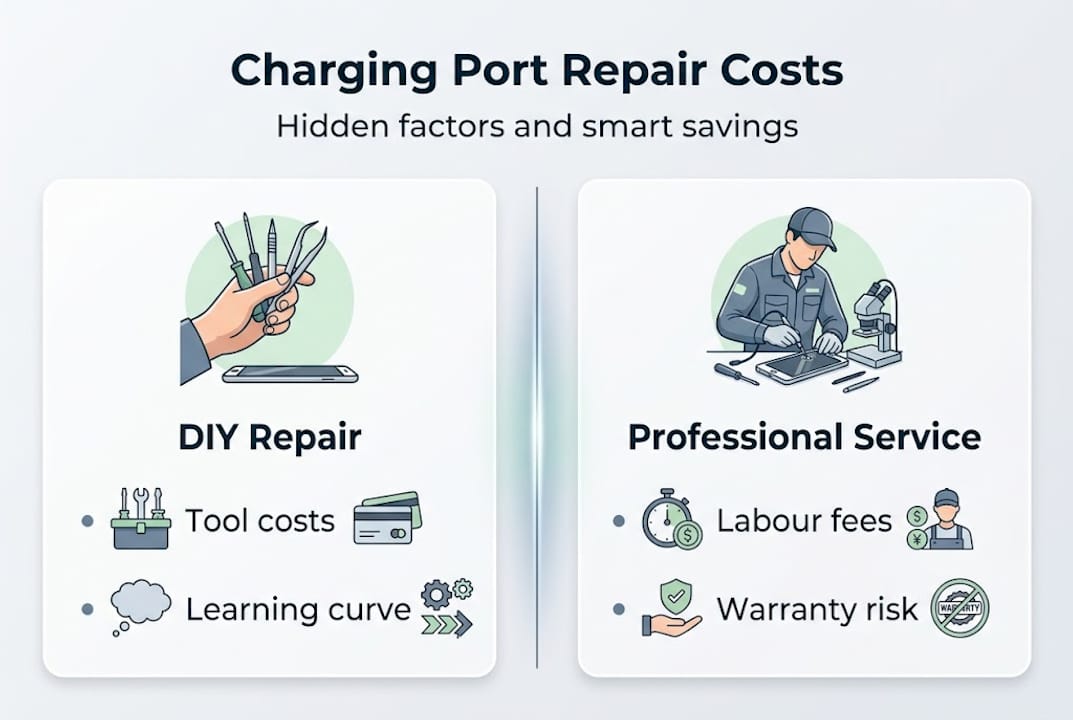
Reliability is the second factor. A part sourced from a reputable supplier with quality checks costs a little more but is far less likely to fail again quickly. We’ve seen customers at Buy2fix come to us after trying two or three cheap parts from unknown sources, spending more in total than a quality repair would have cost from the outset. When solving repairs affordably actually means spending wisely, not just spending less upfront.
Stress is the third. There’s a real cost to having your primary device out of action, especially if you rely on it for work or daily navigation. Factoring in turnaround time and reliability into your decision is just as rational as comparing price tags.
Our honest recommendation: prioritise quality parts and clear guidance over the lowest possible price, and your repair is far more likely to last.
Find quality phone charging port parts and support
Armed with practical knowledge, many readers ask where to get trusted support and supplies in the UK. At Buy2fix, we stock a wide range of charging port replacement parts for iPhone, Samsung Galaxy, Huawei, Xiaomi, OPPO, and more, all checked before dispatch. You’ll find iPhone port repair options alongside parts for Android devices, plus the tools you need to carry out a clean, confident repair. We offer free UK mainland shipping, a 30-day return policy, and warranty support on eligible items, so you’re not taking a risk when you order from us. Browse our catalogue or get in touch if you need advice on compatibility before placing your order.
Frequently asked questions
How do I know if my phone charging port is broken or just dirty?
Symptoms like loose connections or intermittent charging are often caused by compacted debris rather than physical damage. Clean the port thoroughly and try a different cable before concluding the port itself has failed.
Can I fix my phone charging port myself if I have no experience?
Many people successfully complete this repair using clear device-specific guidance and basic precision tools. However, inexperience does increase the risk of accidental damage, so read the full step-by-step guide for your model before starting.
Are replacement charging ports for phones expensive?
Replacement charging ports typically cost between £5 and £15 for most Android devices, with iPhone repair costs sometimes running slightly higher depending on the model and part quality.
Does DIY repair affect my phone’s warranty?
Yes, opening your phone or fitting third-party parts almost always voids your manufacturer warranty, regardless of the quality of the repair work carried out.
Recommended
Let customers speak for us
For Samsung Galaxy A26 SM-A266B Original Earpiece Speaker with Cable

Very good communication throught. Good product

Well made part very strong easy to fit great value for the money

Well packed, with fast shipping :)

Exactly what the doctor ordered…great color, comfort, and durability. Trust this watch band!

Brilliant strap, second purchase, bought bracelet before. Excellent value. Thank you

Great item for splitting your Audio signal

Outstanding product!
Next level customer service.

Very satisfied but the delivery needs to get more faster...

Good price,quick delivery

Best phone case ever! This is my second one as I broke my first. Would defo recommend

Great fitting Apple Watch bands

For Apple Watch Ultra 3 / 2 / 1 49mm RedPepper Armor Metal Case Integrated Silicone Watch Band(Steel Black White)

Good price and quick postage

